 Glyphon
Ask for an icon
in your own words.
Glyphon's Oracle runs Apple Intelligence on your device: describe the SF Symbol you need — in any language — and it answers with the exact glyph, alternates lined up, and the reason why it fits.
iOS 26+ · Free download — search, browse & collect. One‑time purchase awakens the Oracle.
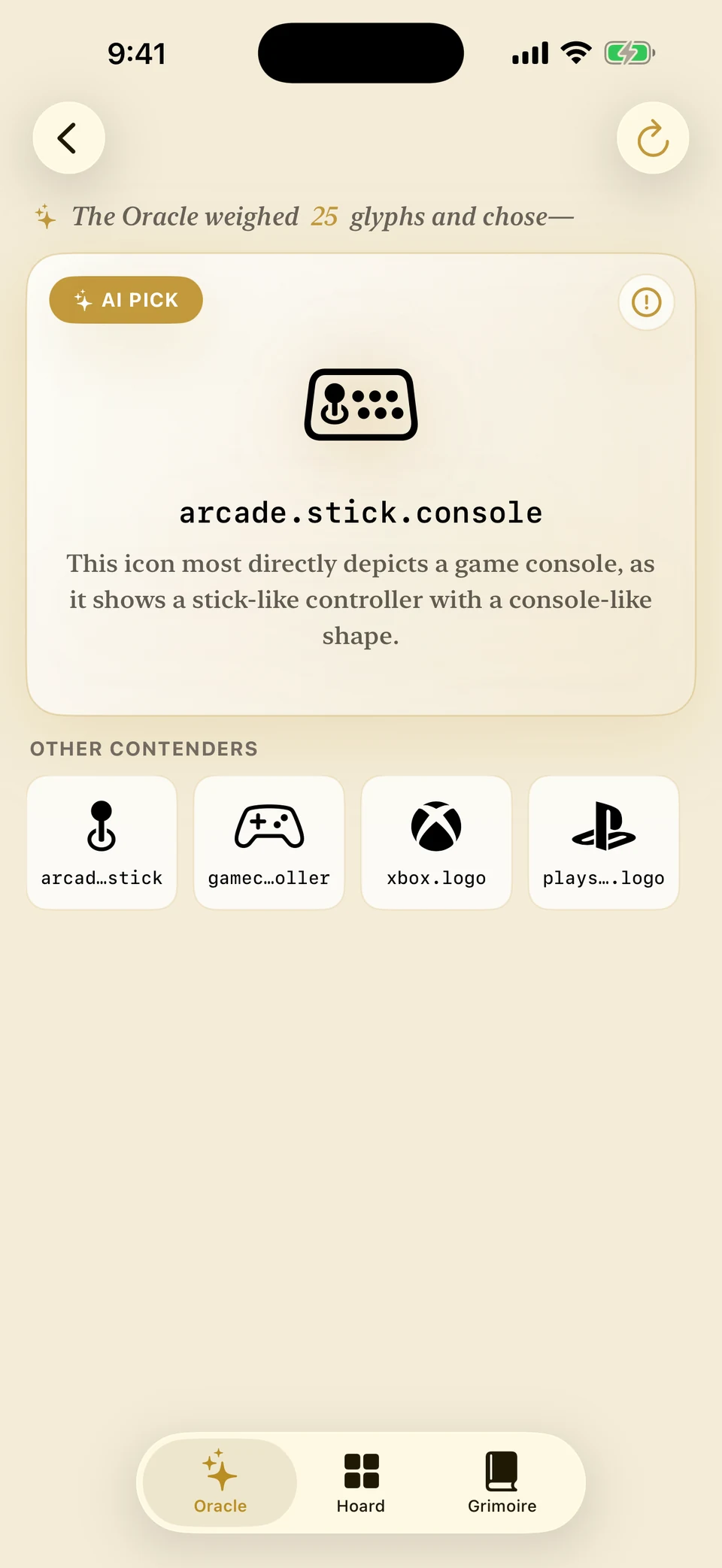
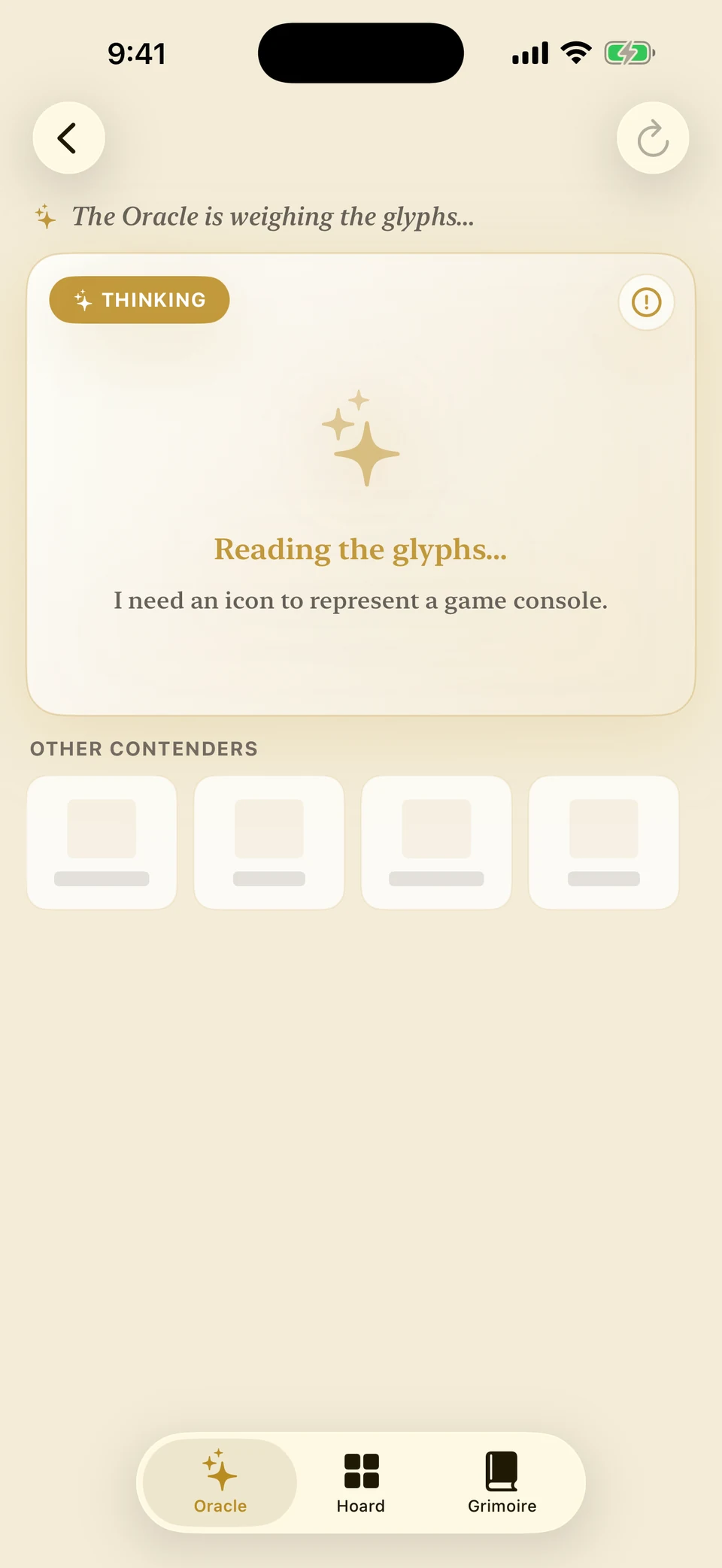
You ask. It answers. It explains.
No more guessing Apple's naming scheme. Every answer below is a real output from the app — including the one it wrote in Japanese.
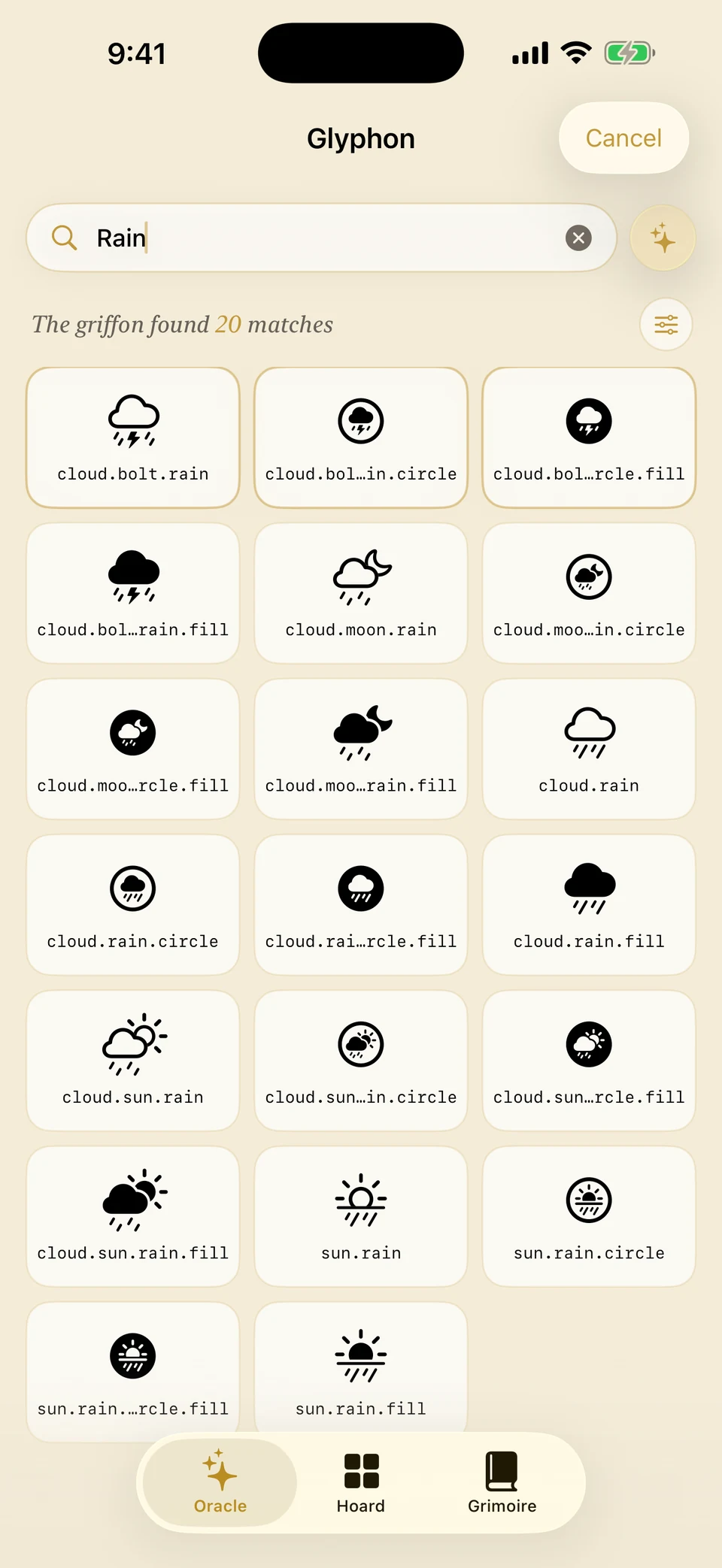
Search the whole Hoard
Keyword search across 9,000+ glyphs with variants, categories, and release-year filters. Browsing and search are free, forever — the Oracle is there when words get fuzzy.
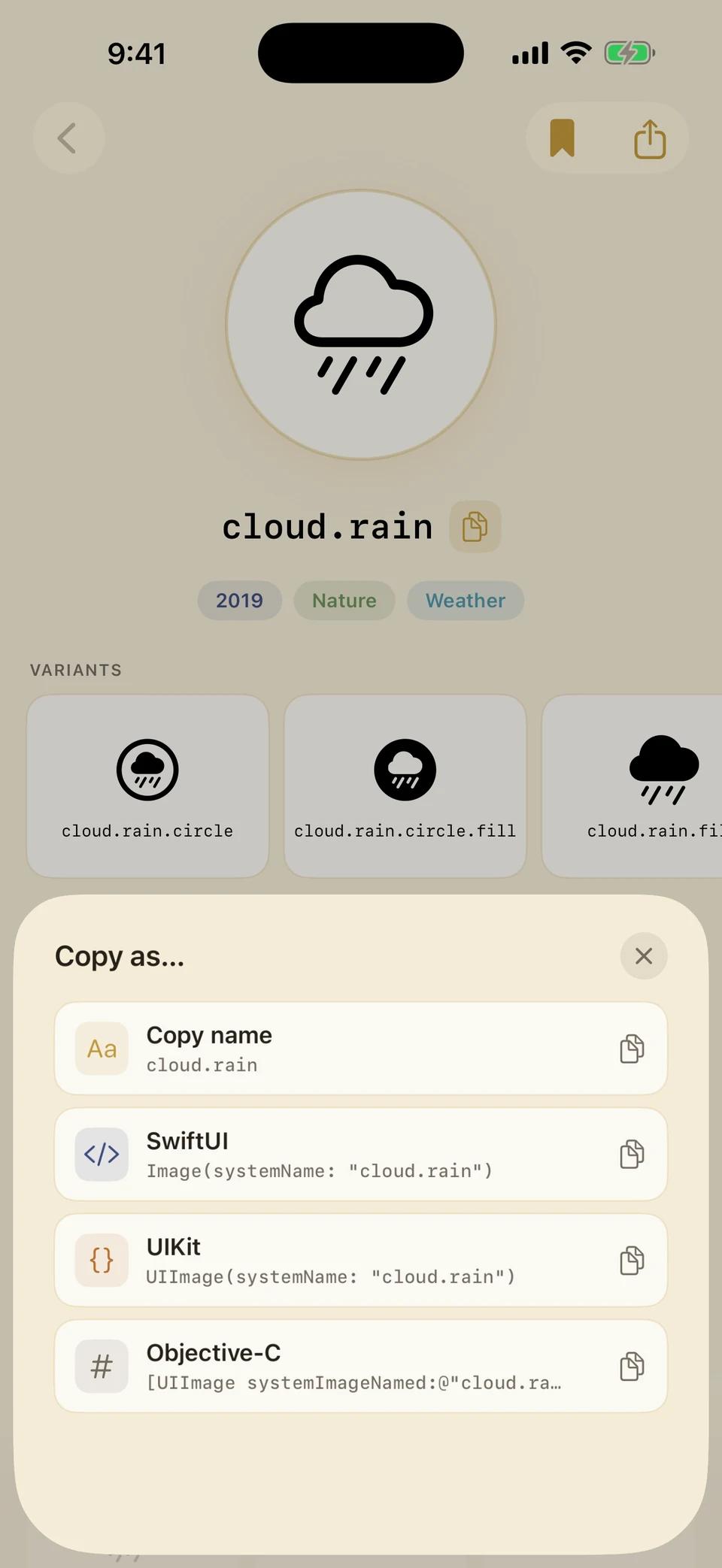
From glyph to code in one tap
Copy the symbol name, or a ready-made snippet for SwiftUI, UIKit, or Objective-C — straight from the detail page.
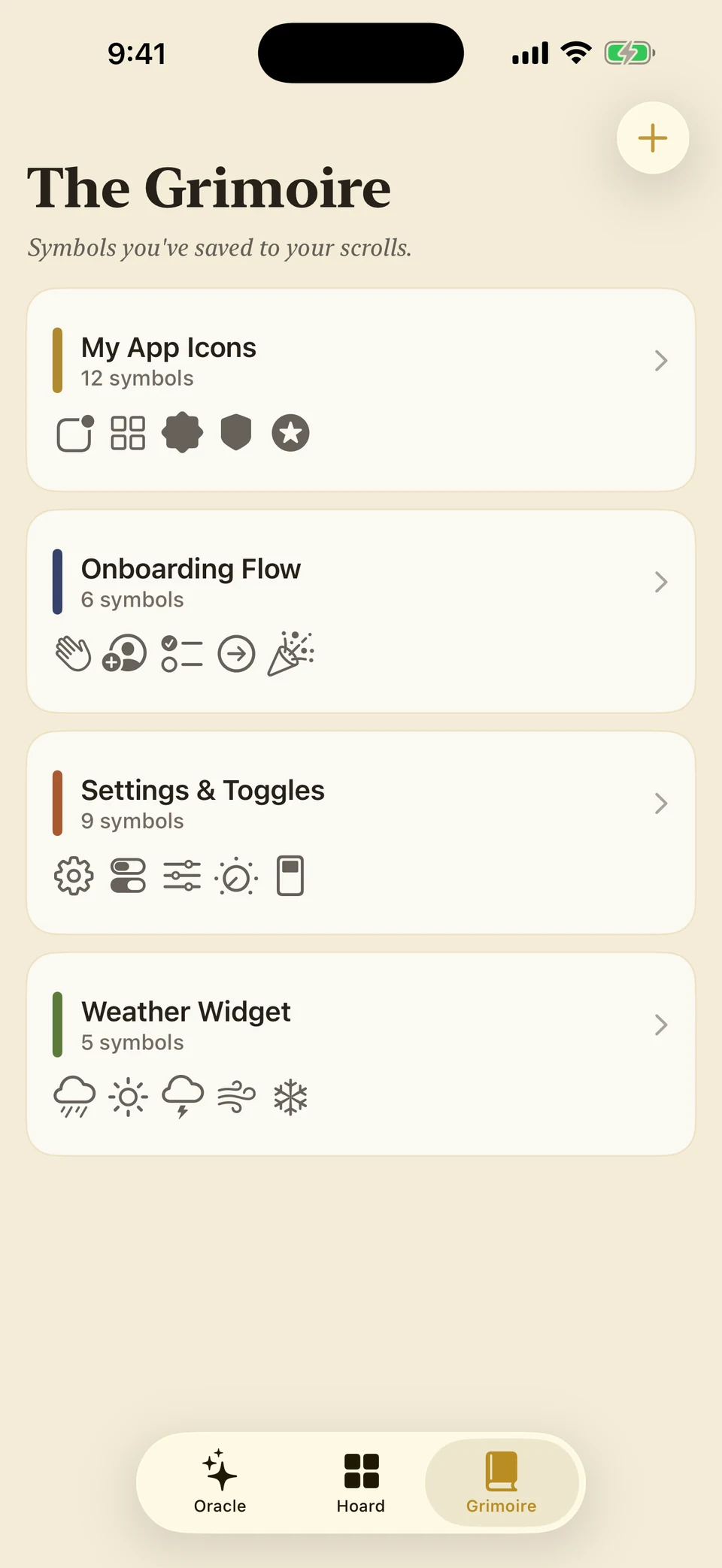
Keep a Grimoire of your finds
Collect symbols per project — app icons, onboarding, settings — and export a whole collection as a name list when it's time to build.
Nothing leaves your device.
The AI runs on-device. No account, no ads, no analytics, no tracking — your searches and collections are yours alone. Read the privacy policy — it's short.